 Natural CompanionIndependent, never alone.
Your therapist guides you.
Keep following at home.
A point list after your appointment is easier to return to than a movement to memorize. Import the codes and keep your guidance for what comes next.
Try it: in 20 minutes, you’ll know whether it works for you.
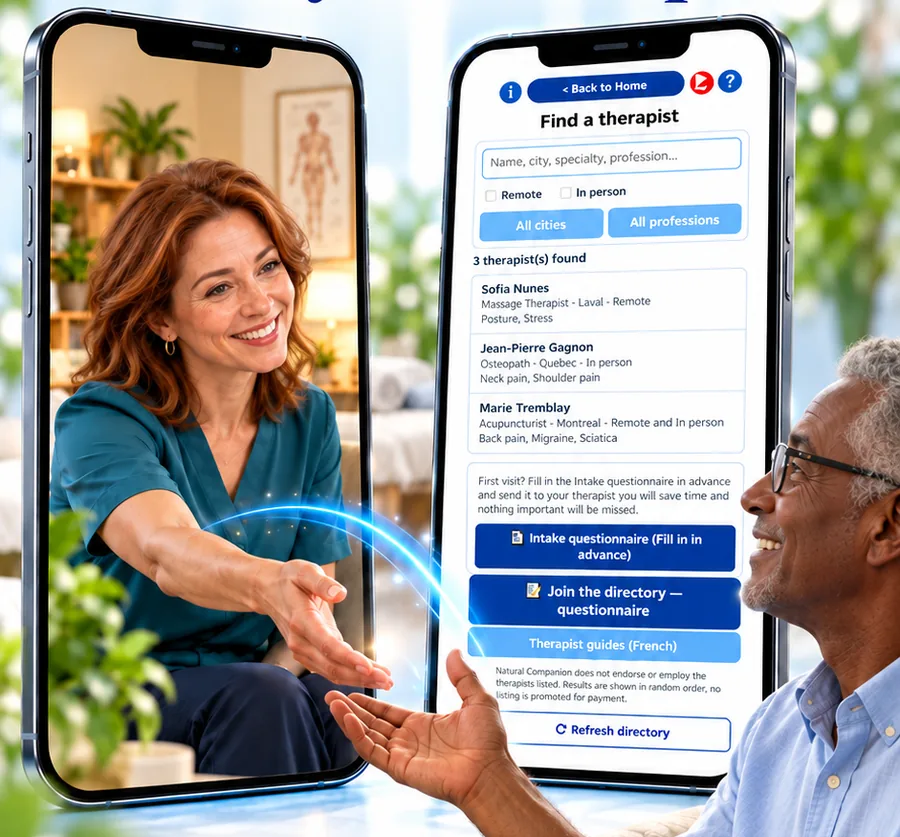
Illustration — names shown in the screen are examples.
Your practitioner,
even between sessions.
They choose your points; you find them in the app with their videos. And if you are looking for someone, the directory helps you find a practitioner, in person or remotely.
Where would you like to start?
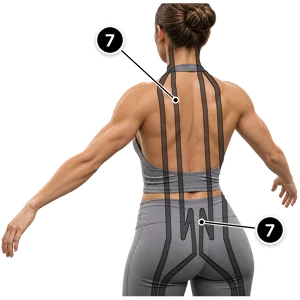
Choose an area. Then open its map and guided route in the app.
Received. Imported.
Ready to find again.
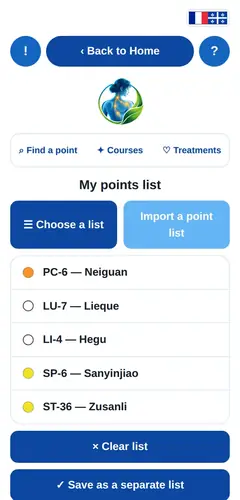
- Copy the codes you received.
Open the message or email from your therapist.
- Open My lists.
Use the app’s code import feature.
- Keep the list.
Find the points and your therapist’s guidance again. If an instruction is unclear, contact them.
Your practitioner,
within reach.
How to find a practitioner in the directory and book an appointment, on video.
YouTube only loads when you start a video.
The appointment ends.
The connection stays.
Independent, never alone.